Is XIVLauncher the official FF14 launcher?
No. XIVLauncher is a third-party launcher project. The official FF14 launcher comes from Square Enix or Steam, depending on your license and platform.
Launcher choice guide
Use this guide when you are searching for an FF14 launcher and need to understand what the official Square Enix launcher does, what XIVLauncher adds, and which route fits Windows, Steam Deck, Linux, Dalamud, and plugin use.
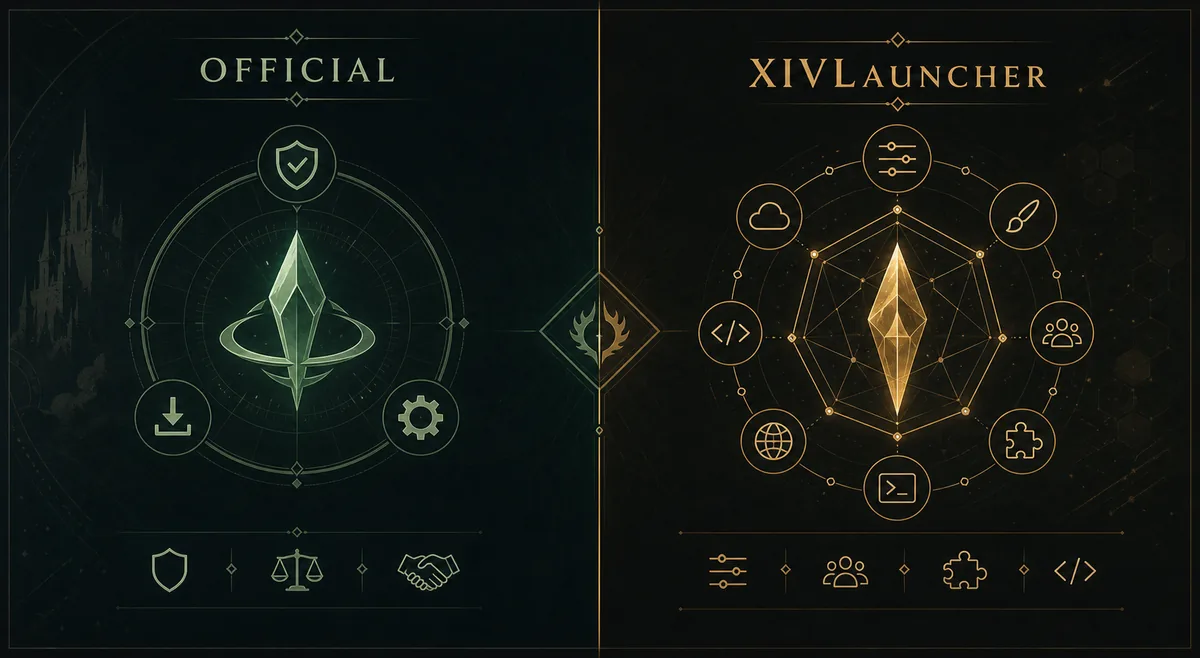
The official FF14 launcher is the baseline client path from Square Enix and Steam. XIVLauncher is the widely searched third-party launcher for Final Fantasy XIV players who want faster login flow, Steam Deck or Linux guidance, and Dalamud plugin support. If you only want the standard game client, start with the official launcher. If you specifically searched for XIVLauncher, use the official Goatcorp release page and understand the third-party risk before installing.
Freshness note: the official Goatcorp GitHub Releases page currently lists 7.0.20 as the latest release. Release pages can change, so verify the current tag and installer asset there before installing; this guide does not mirror the installer.
Decision frame
Search results for FF14 launcher mix several intents: some players want the normal Final Fantasy XIV client, some want the community launcher, and others are trying to identify the tool behind Dalamud. Treat those as separate jobs. A safer guide should point each searcher to the right source instead of making every query look like a direct installer click.
For most Windows players, the decision begins with whether you need XIVLauncher-specific features. If not, use the official game launcher. If yes, read the release notes, confirm the GitHub source, and keep account security habits unchanged.
| Intent | Best fit | Why |
|---|---|---|
| I need the normal game client | Official FF14 launcher | Use the official Square Enix or Steam route when you do not need third-party launcher features. |
| I searched for XIVLauncher download | XIVLauncher official GitHub release | The Windows setup file should come from Goatcorp GitHub Releases, not an unknown mirror. |
| I want Steam Deck or Linux setup | XIVLauncher plus official Linux guide | XIVLauncher has dedicated community documentation for these platforms. |
| I want Dalamud plugins | XIVLauncher with caution | Dalamud is tied to the XIVLauncher ecosystem, but plugin use is third-party and should be treated carefully. |
| I have login, billing, or account issues | Official Square Enix support | Third-party launchers do not replace official account support or payment troubleshooting. |
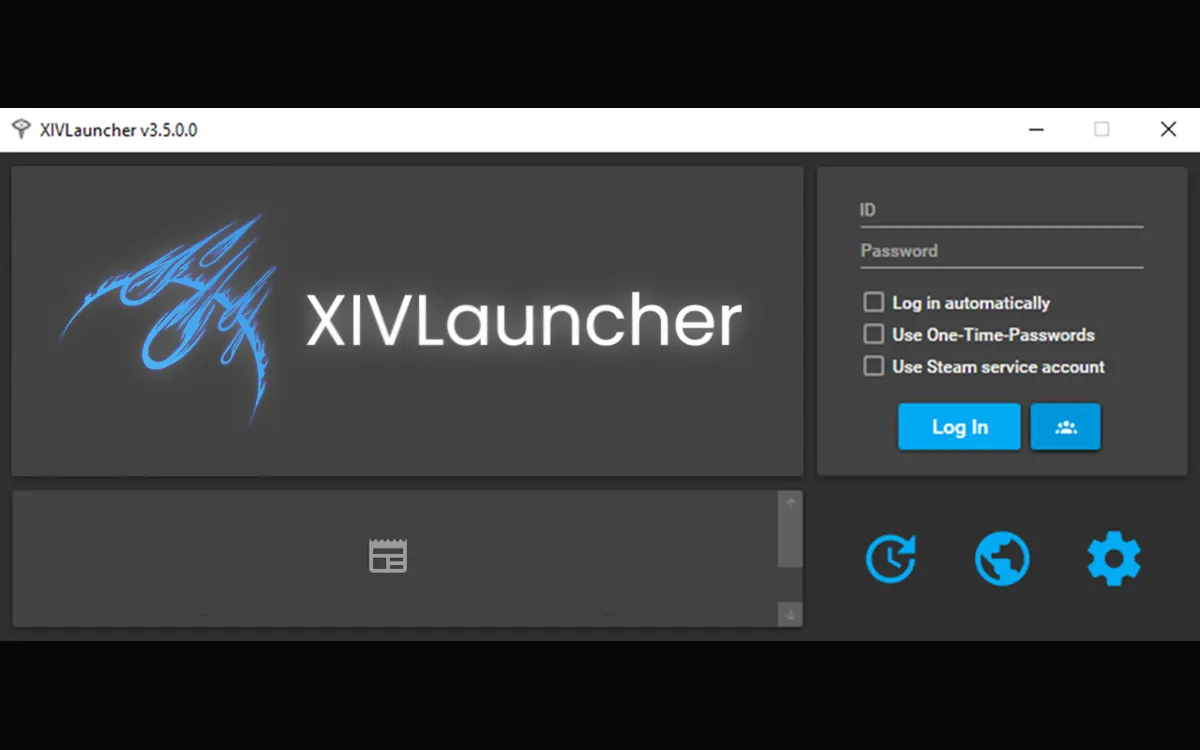
The third-party launcher most players mean is XIVLauncher, also known through the FFXIVQuickLauncher project. It is not the official Square Enix launcher and it should not be treated as an official game client mirror. It is a community tool that can launch Final Fantasy XIV and is commonly associated with Dalamud plugin support.
That distinction matters for search intent. A query like `ff14 launcher` can be broad, but a question like `what is the 3rd party launcher called for ff14` needs a clear answer and a caution: the name is XIVLauncher, but the safe next step is to read the official project pages before downloading or enabling plugins.
Product context
XIVLauncher is searched alongside terms such as FFXIV Quick Launcher, Dalamud launcher, FF14 mod launcher, and XIV launcher download. Those labels point at nearby but not identical needs. A player who wants plugins needs different cautions than a player who simply wants to repair the standard game launcher.
The clean way to browse this site is to start here, then move to the focused page that matches your task: Windows download, Steam Deck and Linux, Dalamud explanation, plugin safety, or troubleshooting.
Source check
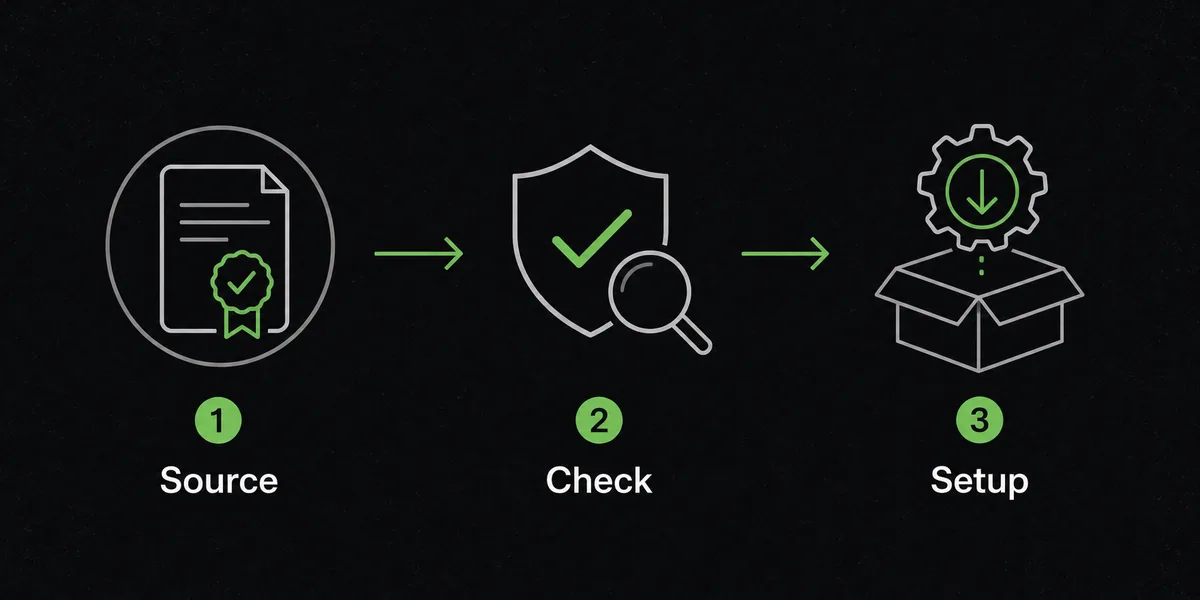
A launcher guide should reduce risky clicks. Before running an executable, confirm the project, the release page, the filename, and the date. This is especially important for community tools because unofficial mirrors can rank, old forum links can remain indexed, and video descriptions may lag behind current releases.
If antivirus software warns about XIVLauncher, do not assume every warning is harmless. Compare the file source with the official release page and read the troubleshooting guidance before creating an exclusion.
Do not treat every FF14 launcher result as the same product. The official launcher, XIVLauncher, Dalamud, plugin repositories, and old video tutorials can all appear for similar searches, but they solve different problems.
Avoid downloading from pages that hide the project owner, repack the installer, promise a special modded build, or use a file name that does not match the official release asset. A legitimate guide should be comfortable sending you away to the source instead of keeping you inside a mirror funnel.
XIVLauncher, Dalamud, and plugins are third-party tools. This site is an independent guide and cannot make account-safety guarantees. If you want the lowest-risk route, use the official launcher and official support channels. If you use XIVLauncher, keep the source official, avoid unknown plugins, and make changes you can reverse.
If you searched for `ff14 launcher download`, use the Windows download guide or the official release page. If you searched for `ff14 launcher` because you are choosing between clients, stay here and compare the trade-offs before installing.
Searches for `ff14 mod launcher` or `dalamud launcher` usually point toward the third-party ecosystem. They do not change the fact that XIVLauncher is separate from the official Square Enix launcher.
No. XIVLauncher is a third-party launcher project. The official FF14 launcher comes from Square Enix or Steam, depending on your license and platform.
Use the official Goatcorp FFXIVQuickLauncher GitHub Releases page. This site links to that source instead of hosting installer files.
Only if you understand that Dalamud and plugins are third-party additions. Read plugin descriptions, update notes, and safety warnings before enabling anything.
No. This page helps you choose the launcher path. Use the Steam Deck and Linux page for platform-specific setup notes.
No. Use the official launcher for the standard client. Choose XIVLauncher only when you need its specific workflow, platform guidance, or Dalamud ecosystem.
Use the existing Windows download guide or the official Goatcorp GitHub Releases page. This comparison page does not host installer files.