The code expired
Wait for a new code, enter it once, and submit promptly. A code copied near the end of its time window may expire before the login request reaches Square Enix.
Account login guide
The OTP box in XIVLauncher is only for the current six-digit Square Enix one-time password generated by your registered authenticator or security token. If your Square Enix account does not have one-time password protection enabled, leave the OTP field empty. Never enter your normal account password twice.
Enter the temporary one-time password shown by the authenticator, software token, or physical security token currently registered to your Square Enix account. The code changes frequently and should be used immediately.
Leave the box blank when you have never enabled a Square Enix one-time password. The field is not asking for an email code, Steam Guard code, Windows PIN, launcher verification code, or a second copy of your regular password.
| XIVLauncher field | What to enter | Common mistake |
|---|---|---|
| Square Enix ID | Your Square Enix account ID used for FFXIV. | Entering a character name, email alias, Steam display name, or Mog Station nickname. |
| Password | Your normal Square Enix account password. | Using the six-digit OTP here or reusing an old saved password. |
| One-time password / OTP | The current code from the registered authenticator or token; otherwise leave it blank. | Entering the normal password again, an expired code, or a code from a different Square Enix account. |
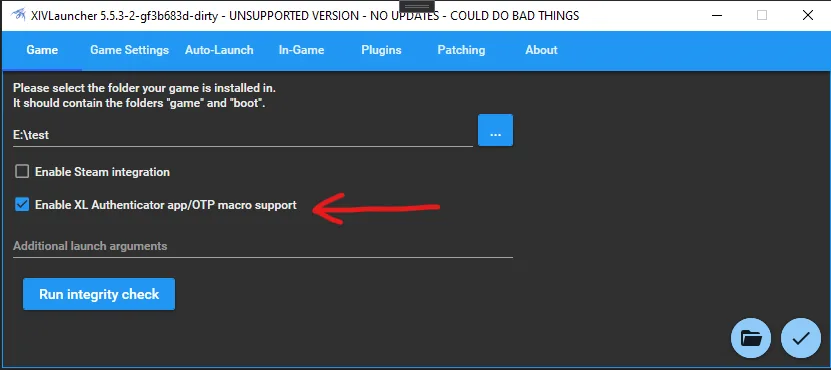
Official Goatcorp screenshot
The official Goatcorp mobile OTP guide shows an option for automatically entering the one-time password. This is a convenience feature, not a replacement for registering an authenticator with Square Enix.
Treat any automation that can access account credentials as sensitive. Use only the official project instructions, protect your phone and computer, and do not share exported shortcuts, tokens, recovery details, or screenshots containing live codes.
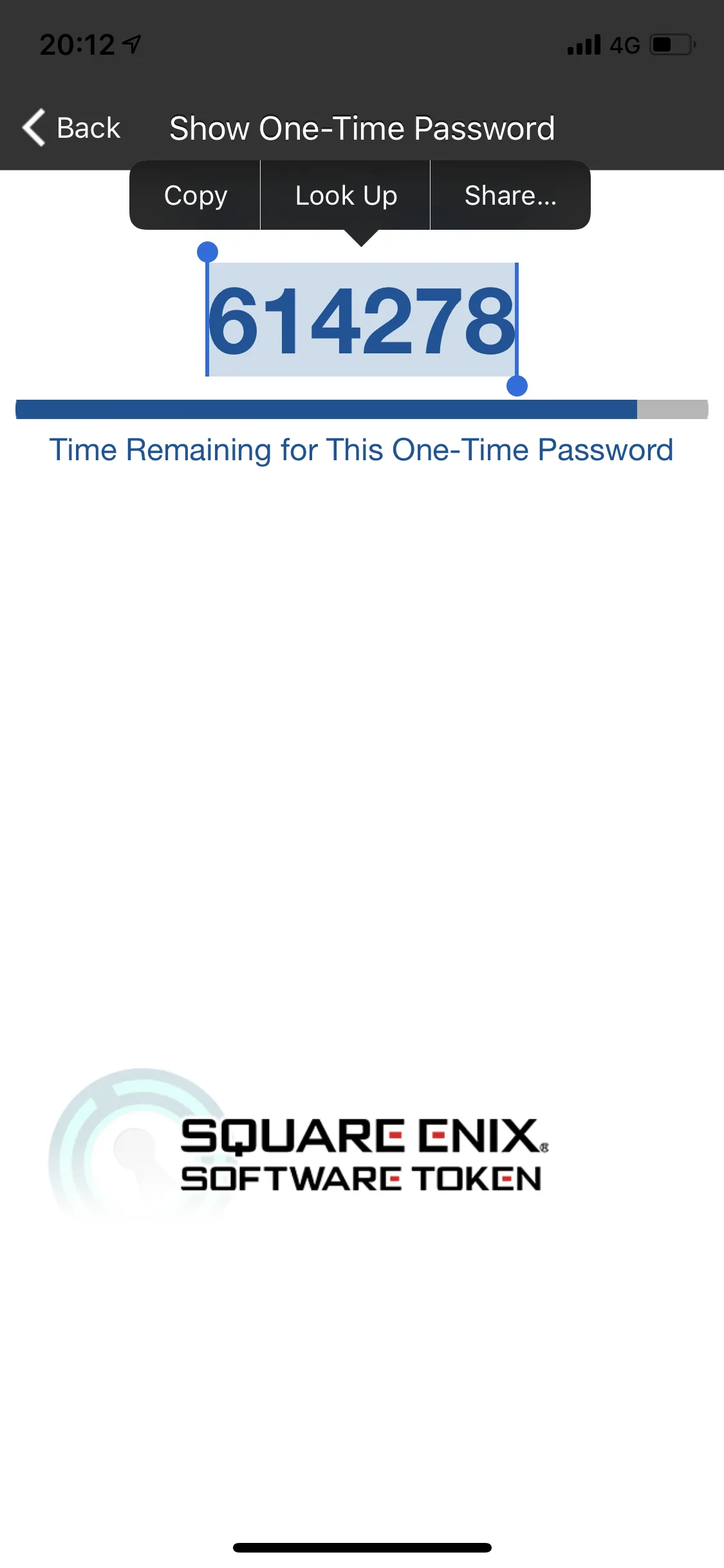
Mobile workflow
Goatcorp documents an iOS shortcut flow for users who intentionally configure mobile OTP handling. The screenshot is useful because it shows that the workflow is a deliberate setup process rather than a magic code supplied by XIVLauncher.
For most users, manually opening the registered authenticator and entering the current code is simpler to audit. If you use the shortcut, follow the official instructions exactly and review every permission requested by iOS.
An invalid OTP message is usually an account, timing, or registration mismatch rather than an installer problem. Work through the checks below before reinstalling XIVLauncher.
Wait for a new code, enter it once, and submit promptly. A code copied near the end of its time window may expire before the login request reaches Square Enix.
Authenticator codes depend on accurate device time. Enable automatic date, time, and time zone, then reopen the authenticator.
Players with multiple Square Enix accounts can accidentally use a code registered to another account. Verify the authenticator label and Square Enix ID.
A phone replacement, token removal, emergency removal, or authenticator migration can invalidate the previous setup. Use Square Enix account support for recovery.
Paste operations can include spaces or stale digits. Retype the current numeric code carefully and avoid password-manager field confusion.
If valid credentials suddenly fail, check official Square Enix maintenance and account notices. Reinstalling the launcher will not repair an account-side outage.
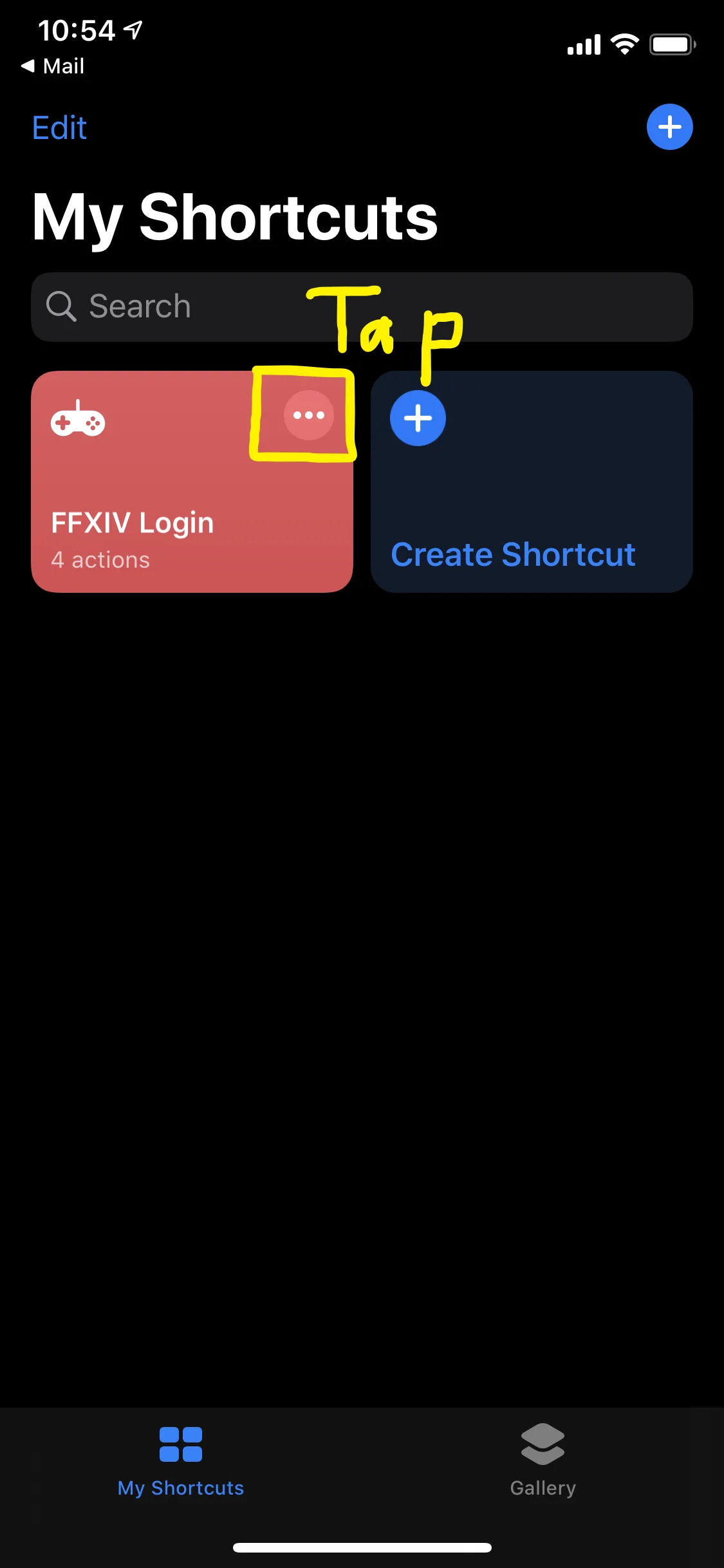
Advanced convenience
The official guide includes an iOS shortcut editing screen. If you choose this route, verify the shortcut source, inspect the actions, and keep account identifiers and secrets private.
This guide does not recommend sending passwords or live OTP codes to third-party services. XIVLauncher should be downloaded from the official Goatcorp release, and Square Enix account recovery must stay within official Square Enix channels.
A one-time password helps protect the Square Enix account, but it does not make third-party launchers or plugins official. XIVLauncher remains a community project and is not endorsed by Square Enix.
Never post a live OTP, password, emergency removal password, recovery code, QR setup secret, or authenticator export. Support staff and community helpers do not need those secrets to diagnose a normal login field question.
Only if a one-time password is enabled on your Square Enix account. If the account has no registered authenticator or security token, leave the XIVLauncher OTP field blank.
No. Your normal password belongs in the password field. The OTP is a separate temporary code generated by the authenticator or token registered to the same Square Enix account.
The most common causes are an expired code, incorrect phone time, a code tied to another account, changed token registration, copied spaces, or an account-service issue.
XIVLauncher is not the authority that registers or recovers Square Enix one-time passwords. Use your registered authenticator and the official Square Enix account system. Goatcorp documents an optional mobile shortcut workflow for advanced users.
Use the official Square Enix recovery or emergency removal process. Do not create a new launcher account, share recovery secrets, or rely on unofficial account-recovery offers.
Usually not. OTP rejection is normally related to the code, device time, account mapping, or Square Enix registration. Reinstall only when there is a separate launcher installation problem.