Is the XIVLauncher Discord the same as Square Enix support?
No. It is a community support route associated with the XIVLauncher ecosystem. Use Square Enix or the official game support channel for account, subscription, billing, or service decisions.
Community support guide
Looking for the official XIVLauncher Discord? Start from the Goatcorp source, then use the right support path for your launcher, Dalamud, plugin, Linux, or account question.
The safest way to find the XIVLauncher Discord is to open the official Goatcorp website or its official FAQ and follow the Discord invite listed there. This page is an independent guide, not the official community, and it does not replace the rules or moderation decisions of the Discord server.
Do not trust a random invite copied into a download mirror, a video description, or a chat message that asks for your password, one-time password, session token, or payment. A Discord invite can be useful for support, but it is not proof that a file, plugin, or launcher build is safe.

Verify the source first
Use the official Goatcorp homepage as the starting point and confirm that the Discord link is reached through the maintained site or FAQ. At the time of this guide, the official pages point users to the invite at discord.gg/3NMcUV5. If an invite stops working, prefer the current link on Goatcorp rather than searching for a replacement server with a similar name.
The official route matters because the community name is easy to imitate. A helpful support page should tell you where to go, what kind of question belongs there, and what information should remain private. It should not encourage you to download a repackaged launcher or a DLL from an unknown Discord attachment.
| Problem | Best first path | What to include | What not to assume |
|---|---|---|---|
| XIVLauncher will not start or sign in | XIVLauncher support guidance | Exact error, OS, launcher version, recent update, safe reproduction steps | Do not assume an antivirus warning proves malware or proves safety. |
| A Dalamud plugin breaks | The plugin author or plugin community | Plugin name, version, game patch, error text, minimal reproduction | A plugin problem is not automatically an official XIVLauncher problem. |
| Steam Deck or Linux setup | Linux/Steam Deck guidance and the official setup documentation | Distribution, Proton/Wine context when relevant, install method, terminal error | Windows installer steps do not automatically apply to Linux. |
| Account, subscription, or game service issue | Square Enix or the relevant official game support channel | Account-safe description and official error reference | Discord volunteers cannot replace account support or reverse a service action. |
Prepare before you post
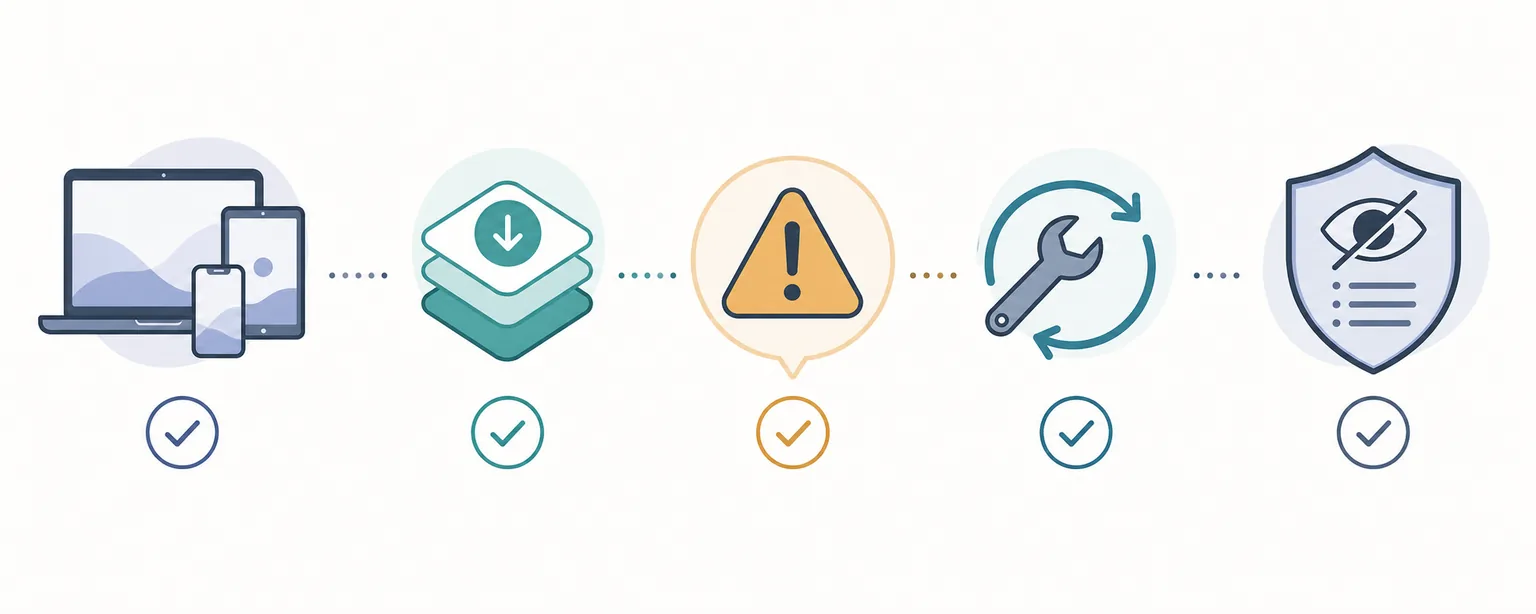
A good support request is specific enough for someone else to reproduce, but small enough to read. Start with the operating system and launcher layer, then add the exact error text and the last change you made. If the issue started after a game patch or plugin update, say so instead of describing the whole setup as broken.
Logs can contain more information than you expect. Before sharing one, scan for account names, email addresses, absolute home paths, tokens, invite links, machine identifiers, and copied authentication data. Screenshots should show the error state, not your full desktop, private messages, or account dashboard.
A community Discord can help you interpret launcher errors, identify a likely configuration problem, point you to maintained documentation, and explain which component owns the failure. It may also help you recognize a known break after a game update. That is valuable troubleshooting context, but it is not the same as an official Square Enix support ticket or a security audit of every file shared by a community member.
For plugin questions, follow the project-specific support path. The official FAQ directs plugin users toward the plugin author or the relevant project community. That boundary prevents a general launcher channel from becoming a catch-all for every third-party addon, and it helps the person answering see the correct source code, version history, and known issues.
For downloads, keep using the official release flow described in the site’s download guide. The Discord should help you understand a problem, not become a reason to replace a verified release page with an attachment, shortened URL, or private message.
Never post your password, one-time password, session token, recovery code, payment details, or a complete unredacted authentication log. Staff and volunteers should not need those secrets to diagnose a launcher or plugin question.
Do not follow advice that tells you to disable all security controls permanently, delete random FFXIV or launcher folders, run an unknown PowerShell command, or install a file from a private message. Ask for the official documentation path and verify the command or file before running it.
Route the problem before posting
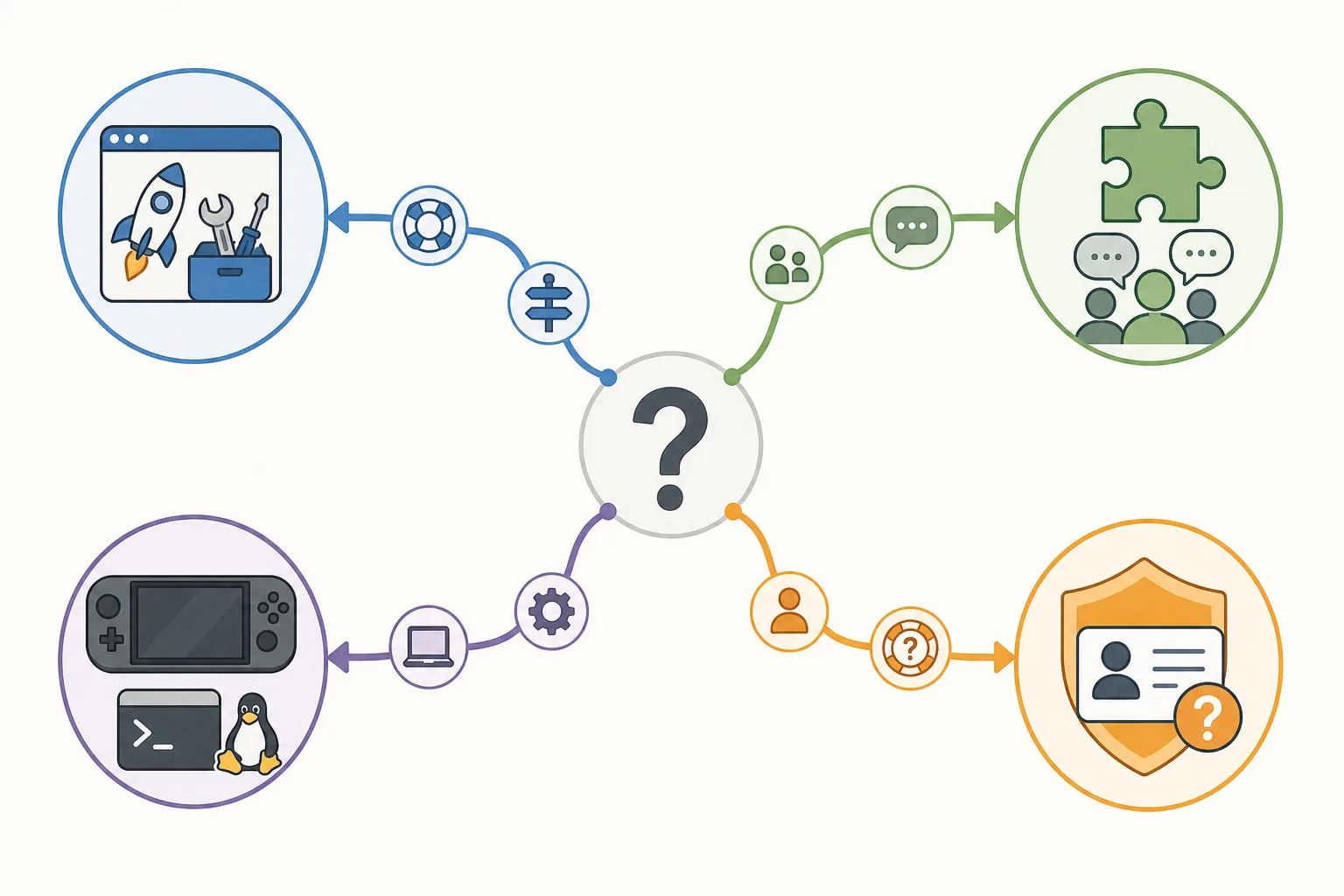
Start with the component that produced the error. A launcher boot check, a Dalamud framework message, a single plugin exception, a Linux compatibility issue, and an account service problem may look similar in a screenshot but require different evidence and different helpers.
If you are unsure, explain the boundary clearly: what starts successfully, what fails next, and whether the problem remains after disabling a newly added plugin. That gives the community a useful starting point without asking you to make risky changes first.
No. It is a community support route associated with the XIVLauncher ecosystem. Use Square Enix or the official game support channel for account, subscription, billing, or service decisions.
No. Discord is optional. The official documentation and release pages remain the primary sources for installation and downloads; join the community only when you want help or discussion.
Start with the plugin author or the project community identified by the plugin documentation. Include the plugin version, game patch, exact error, and a minimal reproduction instead of assuming the general launcher channel owns the issue.
Return to the maintained Goatcorp homepage or official FAQ and use the current link there. Avoid replacement invites from download mirrors, random videos, or private messages.
Only after checking it for account identifiers, private paths, tokens, invite links, and unrelated personal data. Share the smallest relevant excerpt or a redacted file when the community guidance asks for it.