Unable to Download Patch Files in FFXIV: Safe Fixes
The unable to download patch files FFXIV message means the active launcher could not finish receiving or validating game update data. Check service status, free space, the exact launcher, and the network path before deleting anything.
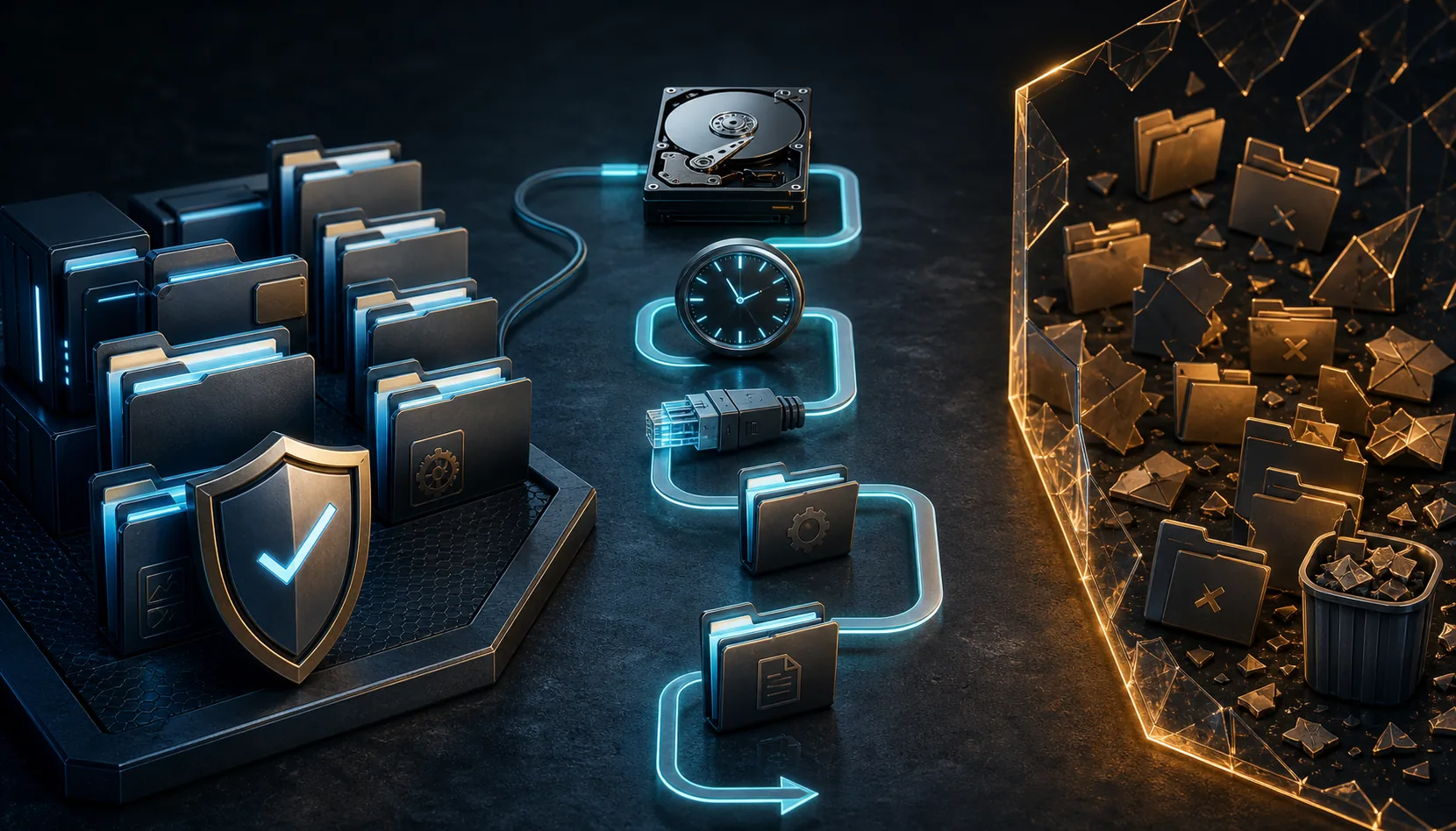
Editorial illustration: a broken transfer path can involve the service, network, storage, or launcher rather than one single damaged folder.
Patch download troubleshooting
What this patch download error actually means
A patch can fail before the game starts when the launcher cannot reach an update host, loses part of the transfer, cannot write to the selected game folder, or cannot verify the downloaded data. The visible message is a symptom, not proof that every local patch file is corrupt.
First identify whether the error appears in the official Square Enix launcher or in XIVLauncher. The official launcher manages Square Enix game patch data. XIVLauncher adds a separate startup and Dalamud layer, so its boot-version or plugin-update errors require different checks.
Match the message to the right repair path
What you see
Likely owner
Best first action
Unable to download patch files
Usually the official FFXIV game patch flow
Check Lodestone status, free space, network stability, and the official support path.
Unable to complete version check
Usually the official launcher checking game or patch metadata
Confirm the exact launcher and service status before changing folders.
XIVLauncher was not able to check the boot version
XIVLauncher startup check
Use the dedicated boot-version guide; do not apply random official-launcher folder fixes.
Plugins are unavailable after a game update
Dalamud/plugin compatibility window
Launch without plugins and wait for compatible updates instead of reinstalling the game.
Fix unable to download patch files in this order
1. Confirm service and maintenance status. Check the official Lodestone news and support channels. During maintenance or immediately after a major patch, repeated local repairs may not help.
2. Close the launcher completely. Exit the launcher and confirm no duplicate launcher process remains. Reopen the same launcher that displayed the message so you do not mix official-launcher and XIVLauncher symptoms.
3. Check storage and the game path. Keep comfortable free space on both the system drive and the drive containing FFXIV. Confirm the folder still exists, is writable, and is not an unusual protected root location.
4. Stabilize the connection. Prefer wired Ethernet or stable Wi-Fi, pause large downloads, and restart the router only if other services also show instability. Avoid stacking a VPN, proxy, custom DNS filter, and traffic scanner during the test.
5. Review security software without disabling protection globally. Check quarantine and blocked-connection history for the launcher or patch process. Verify the file source before adding a narrow exception; do not turn off antivirus or the firewall for the whole computer.
6. Retry once, then capture the exact wording. Record the message, error code, time, launcher name, game path, and the last successful step. These details are safer and more useful than deleting folders based on a forum comment for a different error.
7. Use the launcher owner's official support path. For the official launcher, use Square Enix support. For XIVLauncher-specific startup or patching behavior, use Goatcorp documentation and the current official release. Reinstall only the affected launcher after the earlier checks.
Editorial illustration: diagnose the launcher, network, clock, storage, and folder permissions before deleting data.
Do not delete random patch or game folders
Search results often repeat a folder-deletion fix without stating which launcher, platform, region, or historical patch it targeted. Removing the wrong directory can force a full redownload, erase a valid configuration, or create a second error while the original network problem remains.
If an official support article tells you to remove or rename a specific cache or patch folder, verify that the product, platform, message, and path match your case. Back up small configuration files when appropriate and change one variable at a time.
Official FFXIV patch error vs. XIVLauncher error
This page targets the general FFXIV patch download message, especially when the official launcher is receiving game files. It does not replace the dedicated XIVLauncher boot-version guide. If the dialog explicitly names XIVLauncher and says it cannot check the boot version, follow the startup-status, clock, DNS, security, and official-installer checks on that page.
XIVLauncher latest-version verification was repeated on July 30, 2026. Goatcorp GitHub still lists stable release 7.0.20, published December 6, 2025. The Windows installer asset is XIVLauncher-win-Setup.exe, 114,658,090 bytes, and the site's download CTA points to that exact verified release asset rather than a guessed mirror.
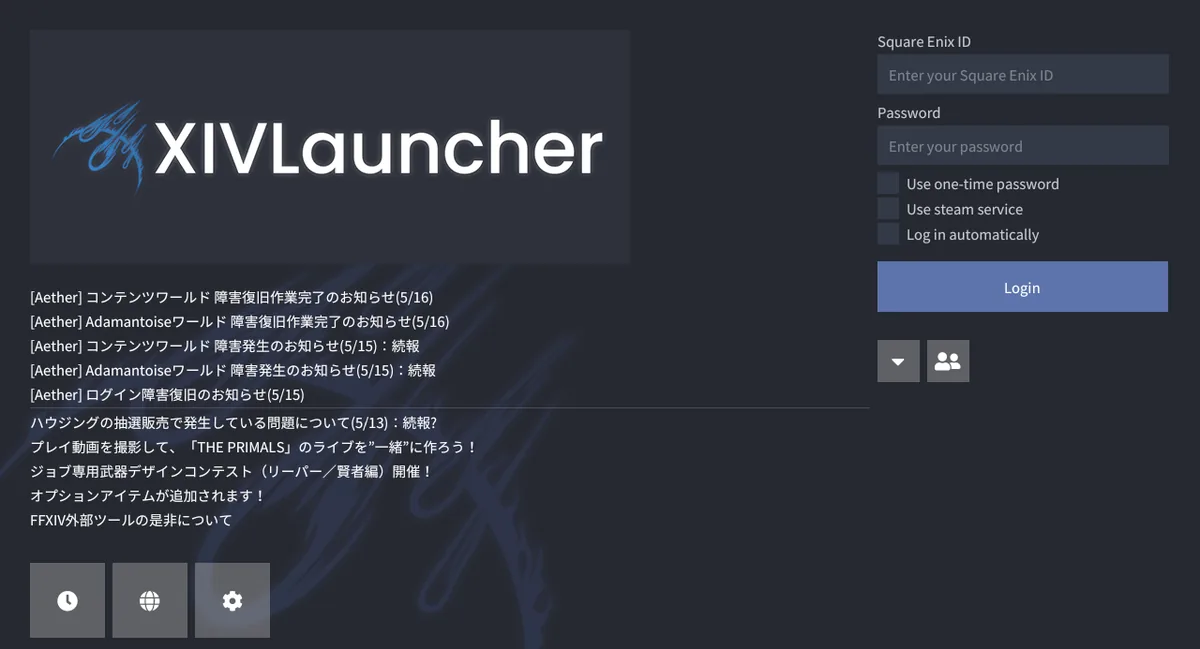
Official Goatcorp media used for launcher identification; this is not the FFXIV patch-files error screen.
Recognize the separate XIVLauncher layer
The image shows real official Goatcorp XIVLauncher media. It is included only to help identify the custom launcher. It is not a screenshot of the Square Enix patch error and it does not show a current error dialog.
If this interface opens normally but the game patch later fails, record where the failure begins. If XIVLauncher itself cannot reach its boot-version service, use the dedicated XIVLauncher error guide instead.
Account and data safety
Never enter Square Enix credentials into an unknown repair utility, repacked launcher, or mirror. Do not download replacement DLL, EXE, or patch archives from an unverified forum attachment. This independent guide cannot guarantee account safety or replace Square Enix or Goatcorp support.
Why does FFXIV say unable to download patch files?
Common areas include service maintenance, an interrupted connection, insufficient space, folder write problems, security filtering, or invalid patch metadata. The message alone does not identify one guaranteed cause.
What folder should I erase to solve the FFXIV launcher download error?
Do not erase a folder based only on that broad question. Confirm the launcher, platform, exact message, and an official support instruction that names the same path. Random deletion can trigger a full redownload.
Is this the same as FFXIV unable to complete version check?
They are related patch or metadata symptoms and can share network causes, but the wording and repair target can differ. Capture the exact message before changing files.
Should I reinstall XIVLauncher to fix the patch-files error?
Only if the error clearly belongs to XIVLauncher and earlier status, storage, network, and security checks are clean. An official Square Enix launcher patch error is not automatically fixed by reinstalling XIVLauncher.
Can a VPN or antivirus cause the error?
Yes, either can alter or block the transfer path, but do not disable protection globally. Test one change at a time, inspect logs, and use narrow exceptions only for verified official files.