Patch window
Many plugins vanish together right after a game update. Treat compatibility as the leading hypothesis and avoid mass reinstalls.
Dalamud plugin recovery
If FFXIV Dalamud plugins are missing, first separate a post-patch compatibility pause from an empty plugin window, a filter problem, or a local configuration issue. This guide gives you a reversible diagnostic order before you delete files or download an unsafe replacement.
Start with the symptom
A plugin can disappear because its author has not marked it compatible with the current FFXIV or Dalamud build. The same symptom can also come from the wrong repository, a search filter, a disabled plugin, or a plugin window that is off-screen.
Use the in-game Dalamud tools first. Treat the image on this page as an editorial concept illustration, not as an official status screen or a real plugin list.
After an FFXIV patch, it is normal for some Dalamud plugins to remain unavailable until their maintainers update compatibility data or publish a compatible build. If many plugins disappear at once, check the official project status and recent release notes before changing local files.
If only one plugin is missing, search for its exact name, confirm that the correct repository is enabled, and check whether it is disabled or filtered. Do not download a random DLL, use a copied plugin folder, or replace the whole launcher just because a plugin is not listed.
| What you see | Likely boundary | Safe first move |
|---|---|---|
| Only one plugin is missing | The plugin may be unavailable, disabled, renamed, or filtered | Search the exact name, check the repository, and inspect its update state |
| Several plugins disappeared after a patch | Compatibility data or a maintained repository may be waiting on the new build | Check official status and wait for a compatible update before reinstalling |
| The plugin window is empty | Dalamud may not be ready, the repository may be disabled, or a filter may hide results | Open /xlplugins, verify settings, clear an accidental search, and test the repository connection |
| The plugin is listed but will not load | An outdated plugin, dependency, or saved configuration may be failing | Update or disable one plugin at a time and record the first visible error |
| The launcher or game will not start | The problem may be broader than Dalamud | Use the general troubleshooting or launch-crash guide before touching plugin files |
The phrase can describe several different states: a plugin is absent from the installer, a plugin is installed but disabled, a search result is hidden by a filter, or a window is open in a different place. These states need different fixes, so start by noting whether the plugin name appears anywhere in the Dalamud interface.
A post-patch outage can be broad without being permanent. If players are asking whether FFXIV mods are down, compare the timing and scope: many missing plugins immediately after a game update points toward compatibility, while one missing plugin points toward its repository, maintainer, or local state.
Check the interface before the files
The plugin window, the Dalamud settings window, and local plugin files are not interchangeable. A correct-looking Windows folder does not prove that the active game profile loaded it, and an empty search result does not prove that the files are corrupt.
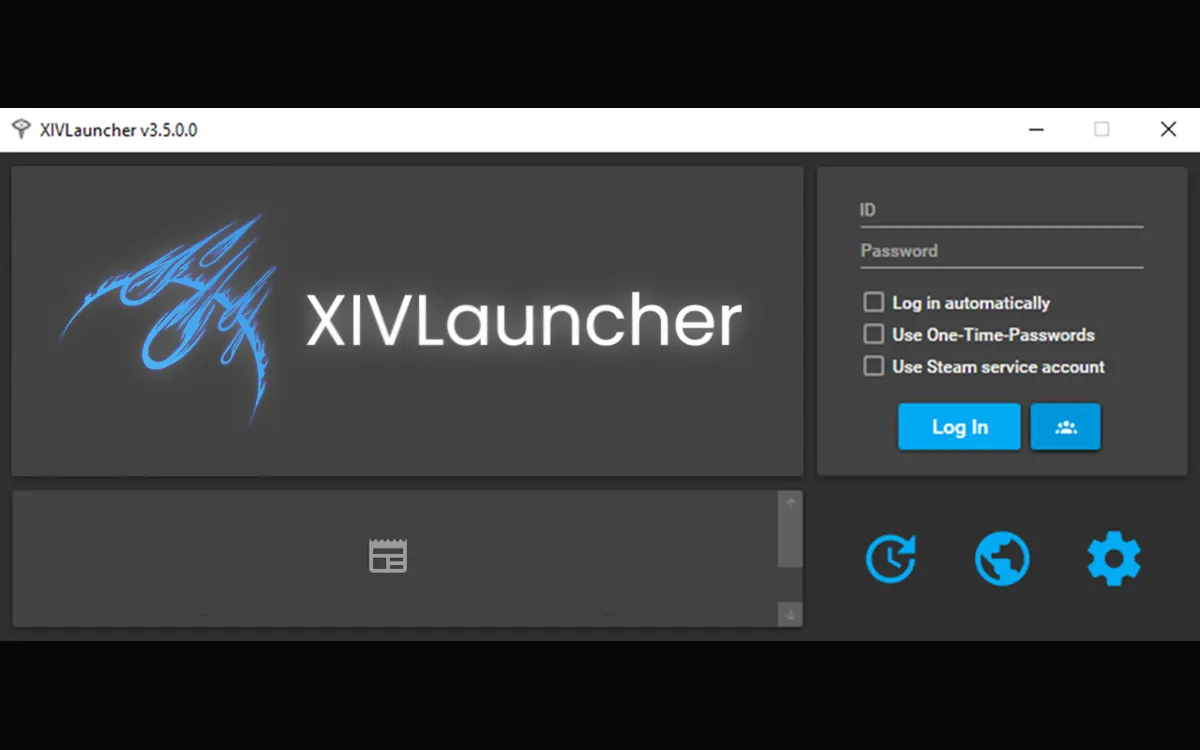
Use the interface to confirm the active state first. The launcher image below is a real interface reference from this site’s media library, not a live report of repository availability or a guarantee that a particular plugin is compatible.
A plugin update depends on more than the launcher being installed. The plugin may need a new compatibility marker, a dependency update, a repository refresh, or a maintainer review after the game changes. That is why “plugins not updating XIVLauncher” can be a timing or repository problem rather than a damaged installer.
If an outdated Dalamud plugin is not working, forcing the old build back into the active profile can create a second problem. The useful question is often “when will Dalamud plugins work after this patch?” The answer depends on the specific plugin and its maintained source, not on a universal timer.
Many plugins vanish together right after a game update. Treat compatibility as the leading hypothesis and avoid mass reinstalls.
One missing name, an empty search, or a disabled source usually points to the installer view rather than the whole launcher.
A listed plugin that fails to load may need a targeted update, disable-and-test pass, or a backed-up configuration reset.
Use the least destructive path
Start with status, then the active Dalamud window, then repository and filter checks. Only after those checks should you isolate one plugin or inspect a backed-up local configuration. This order preserves useful evidence and makes it easier to explain the result in a support channel.
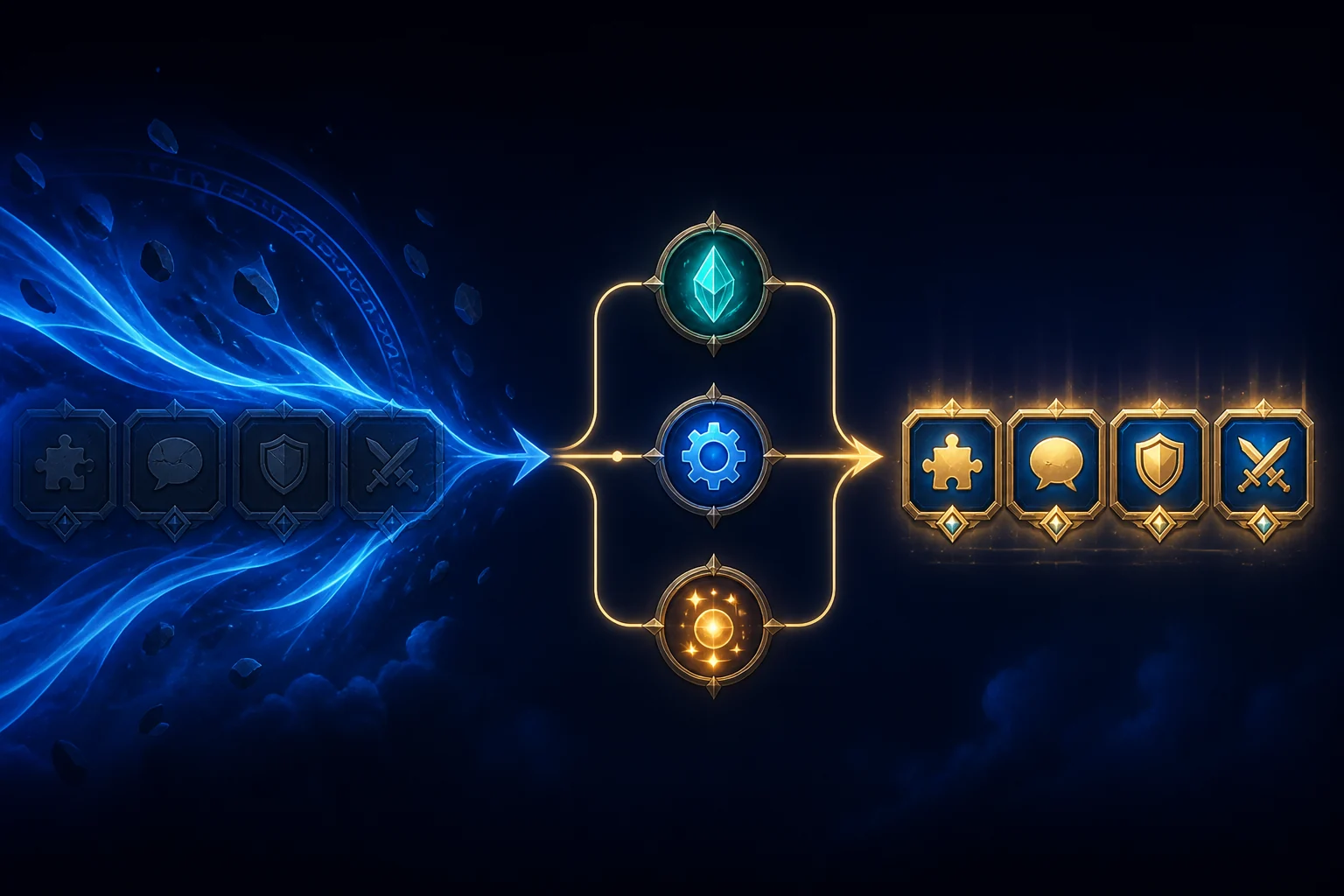
The second concept image shows the recovery sequence symbolically. It is not a screenshot of the Dalamud installer and does not claim that every plugin follows the same update schedule.
Do not download a plugin DLL from an unknown file host, replace a maintained repository with a copied URL, or run a script that promises to “unlock” all plugins. Those shortcuts can introduce malware, stale code, or a configuration you cannot reproduce.
Do not delete the entire game, launcher, or plugin directory as a first response. If a targeted cleanup is eventually needed, record the active path, back up settings, and confirm the step from a maintained source first.
XIVLauncher, Dalamud, and plugins are separate projects and third-party software. This guide is independent and cannot promise compatibility, service availability, or compliance with every player’s account and game rules.
The most common explanation is a compatibility pause while plugin maintainers update metadata, dependencies, or builds for the new game version. If many plugins changed at once, check maintained project status before changing local files.
Dalamud may not have finished loading, a repository may be disabled, a search or filter may hide results, or the plugin window may be in a different position. Open /xlplugins, clear filters, and confirm the source before reinstalling anything.
Not as a first step. Disable or update that one plugin, capture the visible error, and back up its configuration. Broad deletion removes evidence and can create new setup work.
There is no universal time. Each plugin depends on its maintainer, dependencies, repository, and the size of the game change. Use the maintained source for that plugin rather than forcing an old build.
Usually not when the cause is post-patch compatibility, a repository setting, or a filter. Reinstalling can also hide the original evidence, so reserve it for a confirmed launcher installation problem.
They are related but not identical terms. Dalamud plugins are third-party addons loaded through the Dalamud framework, while “mods” can describe several kinds of client-side changes. Check the source, behavior, privacy implications, and game rules for each tool.