How to install experimental plugins in Dalamud safely: enable plugin testing builds from the launcher settings, then install the listing through the in-game plugin window. Do not download a random DLL or paste an unknown repository URL just because a search result calls it experimental.
Quick answer
Start XIVLauncher and enter /xlsettings in FFXIV chat. Open the Experimental section, enable the option that retrieves plugin testing builds, save the change, and reopen /xlplugins. The test-build listing should then appear beside the normal plugin listings when a developer has published one.
This setting changes which builds Dalamud can show; it does not make a plugin official, risk-free, or compatible with every FFXIV patch. Treat the option as a controlled test path, not as a replacement for the official plugin directory.
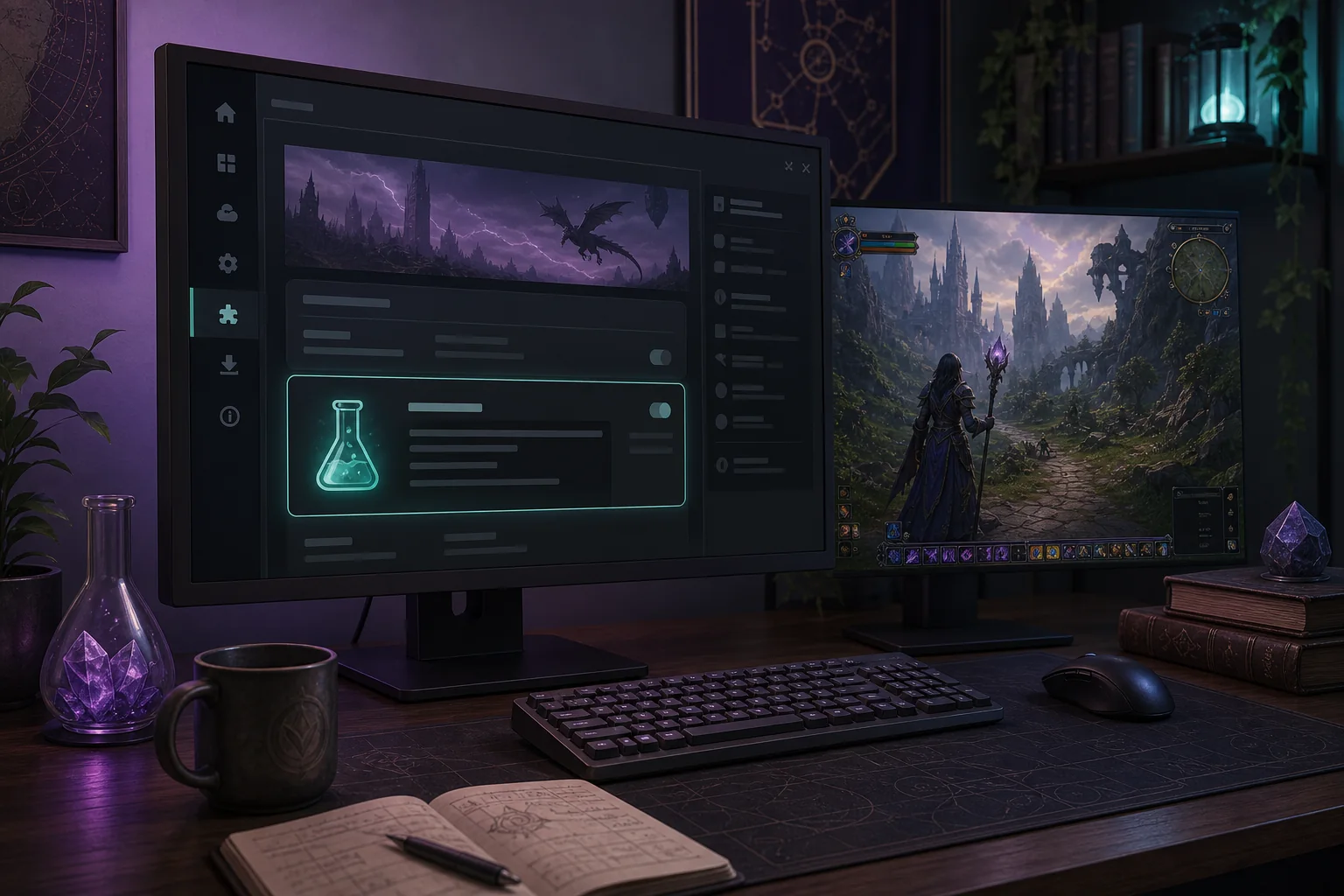
Concept illustration: the experimental plugin entry in settings and a running game. Not an actual XIVLauncher screenshot.
Concept image
Experimental means a different build channel, not a different launcher
The important distinction is between the launcher, Dalamud, and a plugin build. XIVLauncher starts the supported FFXIV flow; Dalamud provides the plugin framework; the plugin author decides whether a build is normal, testing, or distributed through a separate repository.
If your goal is simply to find a normal plugin, use the regular plugin window first. This guide is for the narrower case where an author or official support discussion tells you that the testing-build switch is required.
Which plugin path are you actually trying to use?
What you mean
Best route
What to watch
Normal plugin
Search in /xlplugins
Use the current listing and read the author notes.
Experimental or testing build
Enable plugin testing builds in /xlsettings
Expect bugs, missing features, and breakage after a patch.
Custom repository
Use the developer's documented repository instructions
Verify ownership and never paste an unknown URL.
Local development build
Follow Dalamud developer documentation
This is a development workflow, not a shortcut for players.
Before you enable experimental builds
Check the reason first. A test build may exist because the author is validating a fix, supporting a new FFXIV patch, or asking for a small group of testers. If the only instruction you found is a download link from an unknown mirror, stop and verify the project's owner before doing anything.
Use one change at a time. Write down the plugin name, the build channel you enabled, and the symptom you are testing. That simple record makes it much easier to disable the right thing later and prevents a broad reinstall from hiding the real cause.
Keep the normal recovery path available. Know how to reopen /xlsettings, disable the testing-build option, open /xlplugins, and remove or disable the plugin. Do not delete random FFXIV folders while the actual problem is still unidentified.
How to install experimental plugins in Dalamud
Start the supported launcher flow. Open XIVLauncher in the same way you normally start FFXIV and wait until Dalamud is available. Do not start by downloading a separate injector or plugin DLL.
Open Dalamud settings. Enter /xlsettings in the in-game chat. If the command does nothing, first confirm that Dalamud loaded and that you are using the launcher path that includes plugin support.
Find the Experimental section. Look for the setting that retrieves plugin testing builds. The exact label can change with the current Dalamud UI, so read the surrounding explanation instead of relying on an old screenshot.
Enable the test-build option and save. Turn on the option only when you have a specific plugin and a documented reason to test it. Save the settings and allow the plugin list to refresh.
Open the plugin window and install one item. Use /xlplugins, search for the intended plugin, read its author notes, and install only that one test build first. Restart the game only when the plugin or the launcher asks you to.
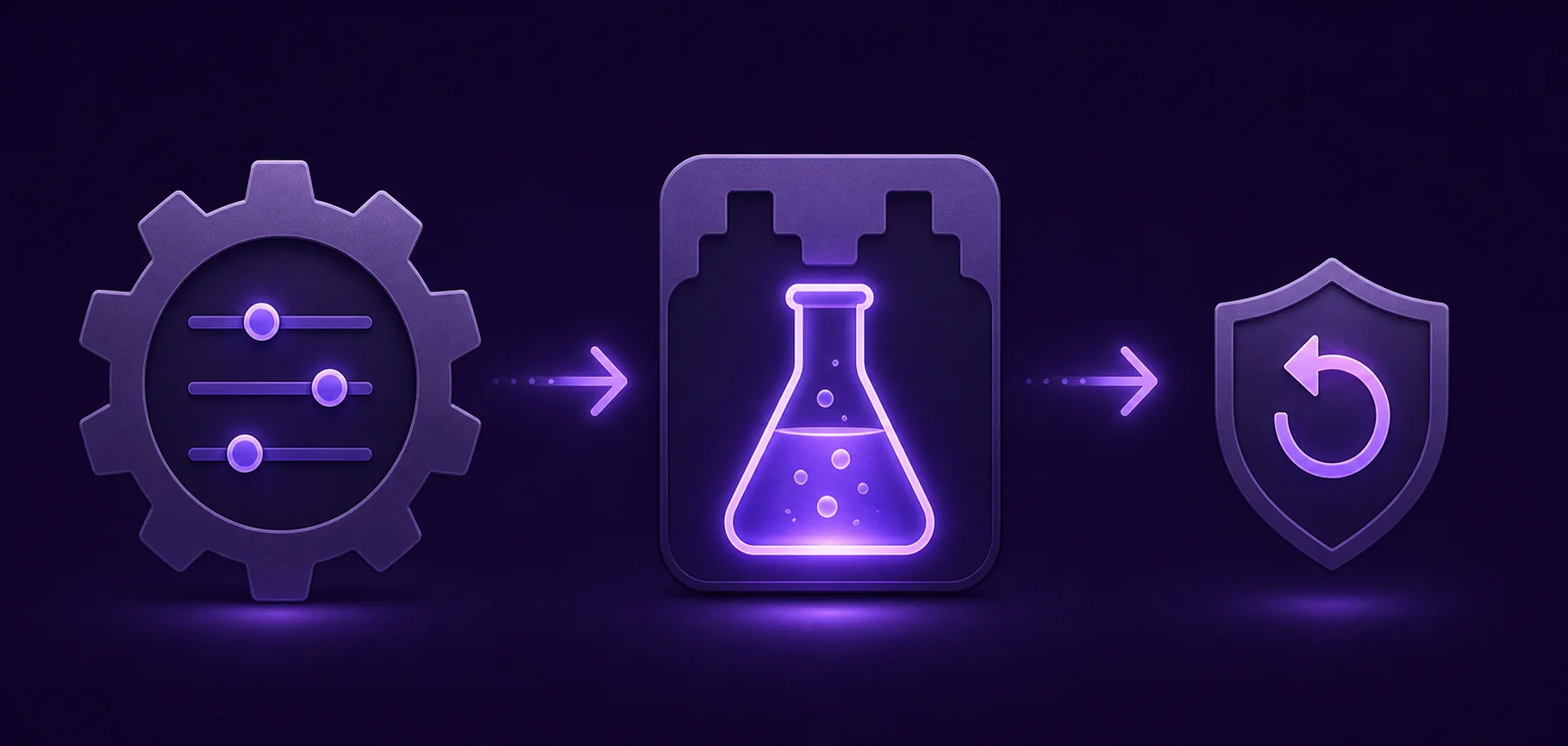
Concept illustration: settings, test build, and rollback form a reversible workflow; not an actual app interface.
Controlled rollout
Treat the first test as a small, reversible rollout
A good test has a narrow question: does this build fix the reported issue, work with the current patch, or restore one specific feature? It should not become an excuse to enable every experimental source at once.
After installing, play normally for a short session. Watch for launcher startup failures, missing UI, repeated errors, sudden performance changes, or a plugin that disappears after a game update. Record the first symptom rather than guessing which file to delete.
Experimental builds are not the same as custom repositories
The testing-build switch and a custom repository solve different problems. A testing-build option changes which builds Dalamud can retrieve from its supported plugin flow. A custom repository adds another source maintained by a developer or community project. A local development build is different again: it is intended for people building and debugging plugins.
If a guide tells you to add a repository, verify that the URL comes from the plugin author's current documentation or repository. Check the owner, project status, and what the repository actually publishes. A search snippet, a copied Discord message, or a random file-hosting page is not enough evidence.
Do not present a custom repository as official Dalamud infrastructure. The page's safest recommendation is to start with the official directory and use a separate source only when the author clearly documents why it is needed.
Safety checklist for experimental Dalamud plugins
Use this short check before and after the first test.
Confirm the plugin name, author, repository owner, and reason for using a test build.
Prefer the current Dalamud/XIVLauncher plugin flow over a standalone DLL download.
Enable one testing source or plugin at a time so the cause of a problem remains visible.
Keep the regular plugin directory and launcher recovery steps available.
Read the plugin's update notes after an FFXIV patch before assuming it is still compatible.
Do not share account passwords, one-time passwords, or unredacted launcher logs while asking for help.
Remember that third-party tools and plugins can carry account and Terms of Service considerations.
What to do when the option or plugin is missing
First check whether Dalamud finished loading and whether the game has just received a patch. Plugin availability can change during a maintenance window or while an author updates a build. A missing listing is not proof that a download mirror is required.
If the setting is visible but the plugin is not listed, return to the author's current documentation and confirm the exact name, supported game version, and source. If the setting itself is absent, use the official troubleshooting route instead of copying an old configuration file from a forum.
For Steam Deck or desktop Linux, keep the platform boundary in mind: use the site's Steam Deck/Linux guide for launcher setup, then apply the same Dalamud testing-build logic only after the normal plugin flow is working.
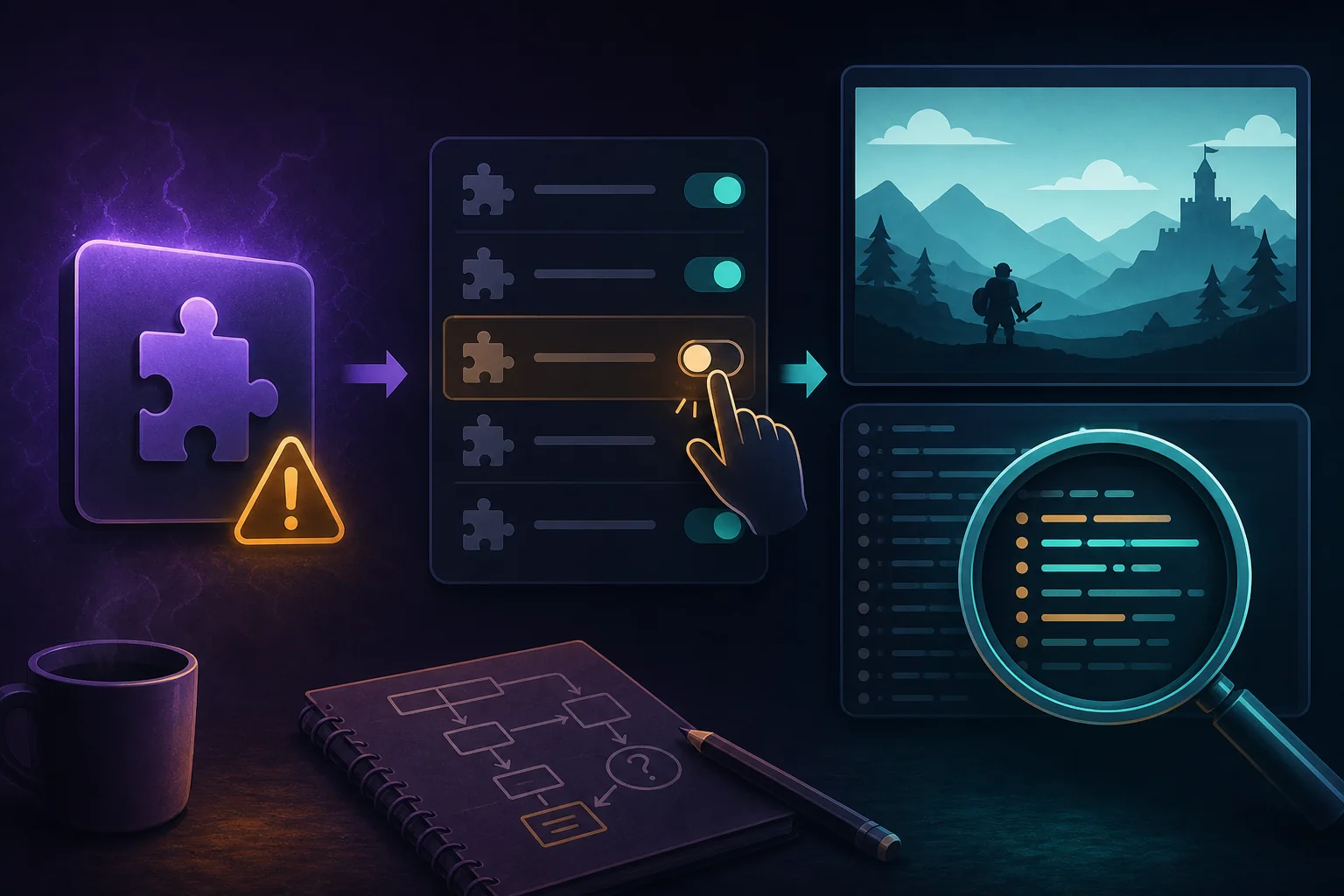
Concept illustration: disable the suspicious plugin and record the first error before deciding; not an actual app interface.
Recovery path
Disable first, collect the first error, then decide
If FFXIV or Dalamud becomes unstable, disable the last experimental plugin and turn off the testing-build option if you no longer need it. Reopen the normal plugin window and test the game without adding another variable.
If the issue remains, separate launcher, game-client, patch, and plugin symptoms. The existing troubleshooting guides cover crashes, boot-version checks, and patch-file failures; use the page that matches the first failing checkpoint instead of treating every problem as a plugin problem.
FFXIV Terms of Service and account boundary
Experimental or third-party plugins are not made official or risk-free by appearing in a testing list. Square Enix rules, account enforcement, and the behavior of a plugin are separate questions. Avoid plugins that automate actions, expose account data, or ask you to bypass normal security controls, and make your own informed decision before use.
This guide explains the supported settings path and safe troubleshooting habits. It does not guarantee that any plugin is allowed, stable, private, or compatible with a particular patch.
Is an experimental plugin the same as a custom repository plugin?
No. A testing-build option changes which builds the supported plugin flow can show; a custom repository adds a separate source. Verify each source independently and do not describe a custom repository as official Dalamud infrastructure.
Where is the experimental plugin setting?
Open /xlsettings after Dalamud loads and look for the Experimental section or the setting that retrieves plugin testing builds. Labels can change, so use the current UI explanation rather than an old screenshot.
Can I download an experimental plugin DLL directly?
A standalone DLL is not the safe default. Prefer the current plugin flow and the author's documented source. Do not run a file from an unknown mirror just because it has the right name.
Why is the experimental plugin not listed?
The author may have withdrawn the build, the plugin may not support the current FFXIV patch, or Dalamud may not have refreshed. Check the current official or author-maintained documentation before changing files.
How do I turn experimental plugins off?
Disable the testing-build option in /xlsettings, save, then use /xlplugins to disable or remove the test plugin. Test the normal launcher flow before adding another plugin.
Does the testing switch make a plugin safe or allowed?
No. It only changes the build channel that can be displayed. Stability, privacy, account risk, and Terms of Service questions still require separate judgment.