You want fewer annoyances
Review Simple Tweaks, but select only individual changes you can explain and reverse.
Plugin selection guide
The best Dalamud plugin is the smallest change that solves a real FFXIV problem. This guide compares useful choices by player need and shows how to test, update, and remove them safely.
For broad quality-of-life changes, review Simple Tweaks Plugin. For chat control, consider Chat 2. JobBars suits players who want extra job gauges; GatherBuddy helps gatherers track nodes, fish, weather, and timers; Allagan Tools focuses on inventory and planning; Waymark Preset Plugin improves waymark organization.
These are examples, not a universal ranking. Features and compatibility can change after FFXIV or Dalamud updates. Open the in-game plugin installer with /xlplugins, read the current listing, and enable only what you understand.
Freshness check: Goatcorp GitHub Releases was checked on July 19, 2026. XIVLauncher remains 7.0.20, published December 6, 2025; Dalamud's latest GitHub release is 14.0.4.0, published March 10, 2026. No site-wide version replacement was required.

Choose by need
A long plugin list is not automatically a better setup. Begin with the friction you actually feel: chat readability, job information, inventory search, gathering planning, or waymark management. Then test one plugin at a time.
The illustration is an editorial concept image, not a real Dalamud or FFXIV screenshot. The real interface reference appears later in this guide.
| Plugin | Best for | Why players consider it | First check |
|---|---|---|---|
| Simple Tweaks Plugin | General quality of life | Many optional interface and behavior tweaks, disabled until selected. | Enable only a few tweaks and confirm what each changes. |
| Chat 2 | Chat-heavy players | Flexible tabs, filtering, colors, font sizing, unread counts, and screenshot privacy options. | Review privacy, logging, and name-obfuscation settings. |
| JobBars | Combat information | Extra job gauges, party buff timers, mitigation tracking, and related visual information. | Avoid information overload; keep only bars you can interpret. |
| GatherBuddy | Gathering and fishing | Finds nodes and fish and tracks uptime, weather, alarms, and timers. | Use it for planning rather than unattended play. |
| Allagan Tools | Inventory and crafting | Tracks items, supports filters, planning, and searchable item sources. | Understand what character or inventory data is stored locally. |
| Waymark Preset Plugin | Group preparation | Saves, edits, imports, exports, previews, and organizes waymark presets. | Verify the current duty before placing markers. |
Every named example was present in the official Dalamud plugin directory checked on July 19, 2026. The shortlist favors clear practical use cases rather than novelty, automation, or a temporary patch-specific trend.
A plugin earns a place here when a reader can answer three questions: what problem does it solve, what new information or behavior does it introduce, and how can it be disabled if something breaks? Unknown repositories, account secrets, broad antivirus exclusions, or vague binary downloads do not pass that test.
Popularity is deliberately not treated as proof of safety. Dalamud plugins are third-party code, can break after game updates, and remain outside official Square Enix support. The official directory is the starting point, not a guarantee for every account or device.
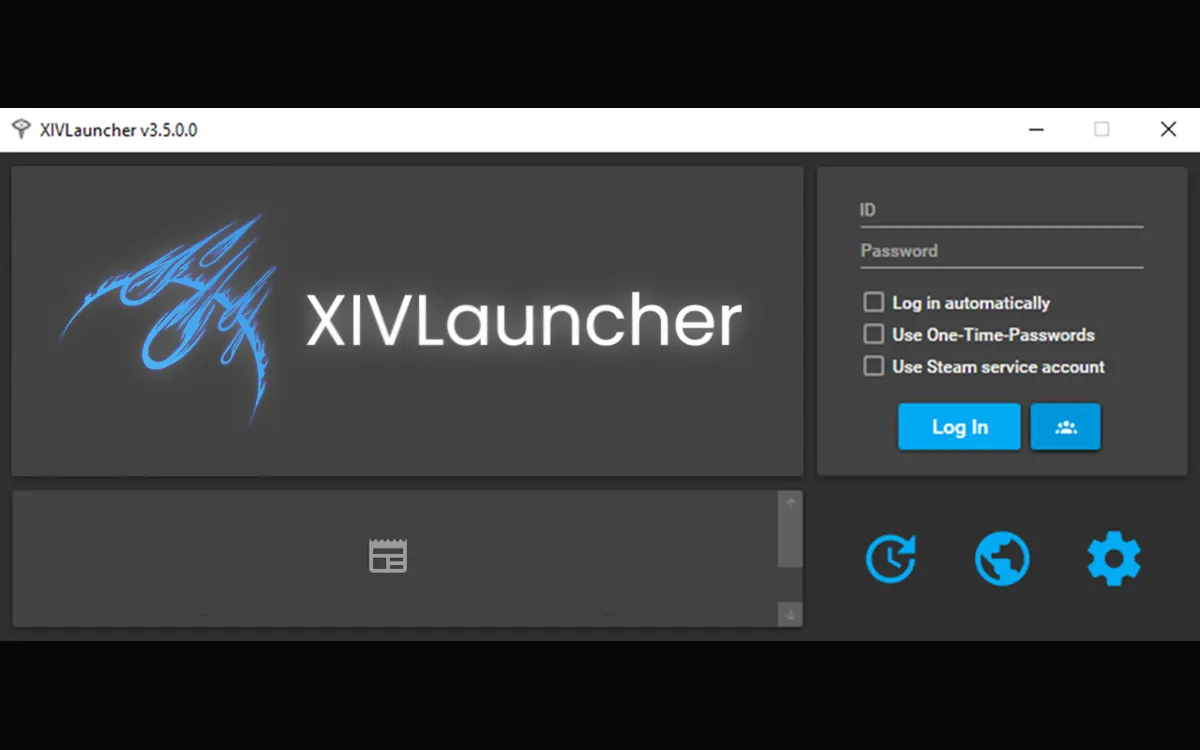
Real interface reference
Open the Dalamud plugin installer with /xlplugins. Search the current directory, open the listing, read the description and author information, and check whether the plugin is available for the current Dalamud API level.
The screenshot shows a real XIVLauncher interface reference used by this site. Interfaces and listings can change, so follow the current labels in your installation rather than memorizing an old screenshot.
Review Simple Tweaks, but select only individual changes you can explain and reverse.
Chat 2 is the clearest fit when tabs, filters, font size, and unread state are the real problem.
JobBars can add useful gauges and timers, but excessive overlays can reduce clarity.
GatherBuddy and Allagan Tools address planning and item organization rather than combat performance.
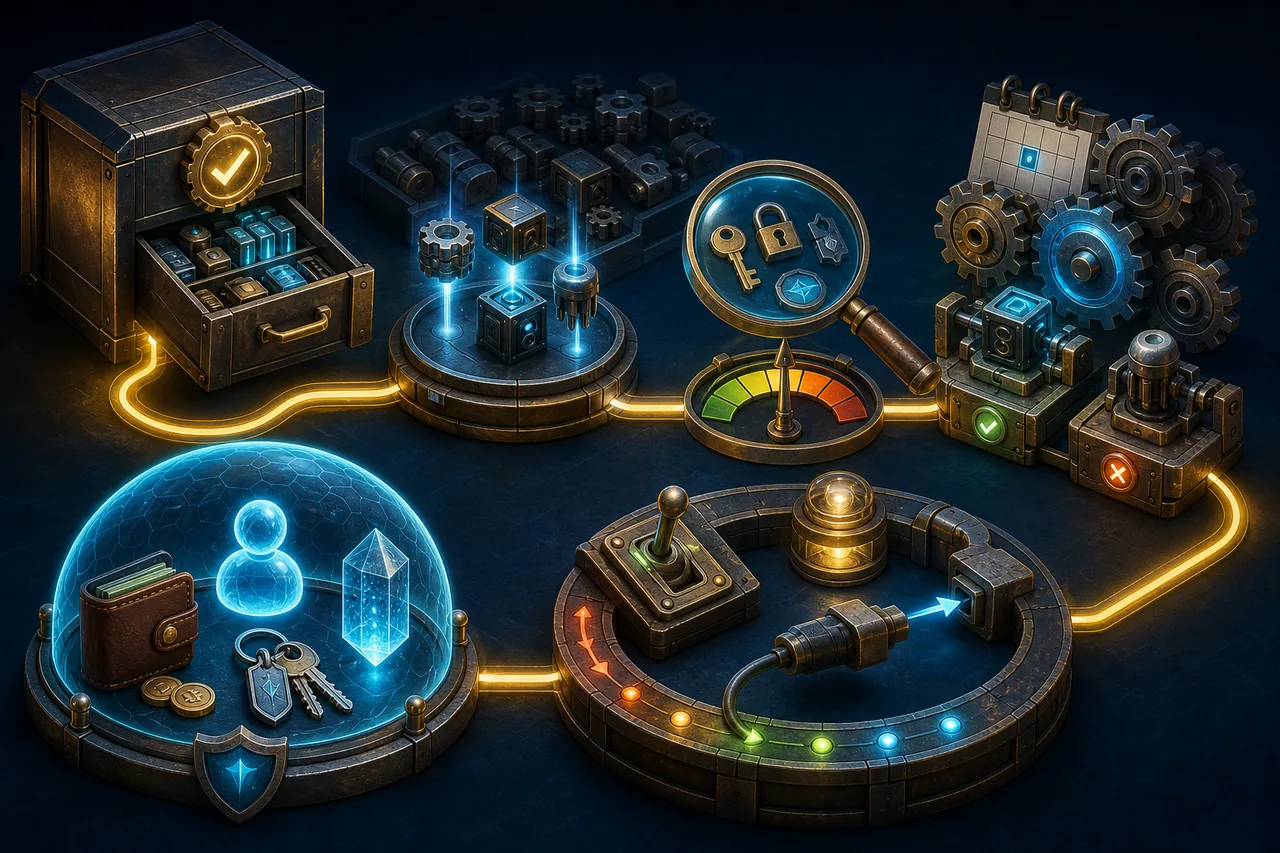
Safety workflow
Before a major patch, expect some plugins to become unavailable while Dalamud and plugin authors update compatibility. Do not solve that delay by downloading random builds or adding an unknown repository found in a comment.
If FFXIV starts behaving strangely, disable plugins first and restart. Re-enable them one by one. Do not share account credentials, OTP secrets, private chat logs, or diagnostic files without reviewing them.
This illustration is an editorial safety diagram. It represents source verification, minimal installation, update checks, troubleshooting, and privacy boundaries; it is not a real game or launcher screen.
XIVLauncher, Dalamud, and plugins are third-party community software and are not official Square Enix features. Goatcorp's FAQ warns that XIVLauncher is not in line with the FFXIV Terms of Service. No best-plugin list can remove that account-policy risk.
This page does not recommend automation, evasion, unattended gameplay, account sharing, or unknown custom repositories. If a plugin's behavior or data use is unclear, do not install it.
Start with one clearly scoped plugin. Simple Tweaks can suit general quality-of-life needs, while Chat 2 is more appropriate when chat organization is the specific problem.
Use the in-game Dalamud plugin installer opened with /xlplugins. Prefer the default official repository and read the current listing.
They are third-party code, so safety is not absolute. Prefer the official directory, review the author and description, install minimally, and remove anything you do not understand.
Dalamud and individual plugins may need compatibility updates after a game patch. Wait for supported releases instead of forcing unknown builds.
Not by default. Add one only when you can verify ownership, purpose, maintenance, and the exact plugin you need.
Possibly, but add one at a time and keep only the plugins that solve a real problem without harming clarity, performance, or stability.
Choose the plugin that solves one clearly defined problem, confirm its current official listing, and test it alone before adding another.
Disable it, restart, check the current Dalamud and plugin compatibility notes, and wait for a supported update instead of forcing an unknown build.
A useful plugin comparison starts with the job you want to improve, not with a long popularity list. Write down whether the problem is chat readability, job information, inventory search, gathering planning, or waymark preparation. Then choose the plugin whose description answers that exact need. This keeps the best Dalamud plugins shortlist practical and makes it easier to notice when an add-on is doing more than you expected.
Read the current in-game listing before you install. The /xlplugins window can show a description, author, commands, settings, and compatibility details that an old guide or video may not include. A name can stay familiar while its features, dependencies, or support status change. Treat this page as a way to narrow your search, then let the current directory decide whether the plugin is available for your build.
Install one plugin and test normal play before adding another. Log in, change zones, enter the activity you care about, open chat, and watch performance for a few minutes. If something breaks, one recent change gives you a clear rollback path. Disable the plugin first, restart, and compare the base experience. Avoid deleting folders or adding random repositories while the cause is still unknown.
Updates deserve the same care as installation. After an FFXIV or Dalamud update, a plugin may be temporarily unavailable, show a compatibility warning, or behave differently. Wait for a supported listing instead of downloading an unverified DLL from a comment or file host. Check the official plugin directory and the official troubleshooting guidance, and keep a short note of which plugins you disabled when diagnosing a problem.
Privacy is part of choosing the best Dalamud plugins. Chat tools, inventory helpers, and planning tools can expose different kinds of local information. Read what a plugin says it stores, avoid sharing logs that include account details, and never enter an OTP secret or password into a plugin prompt. If the data behavior is unclear, choose a narrower tool or leave the plugin disabled until you can verify the source and purpose.